
VTR control for vMix
The running order, in the operator’s hands.
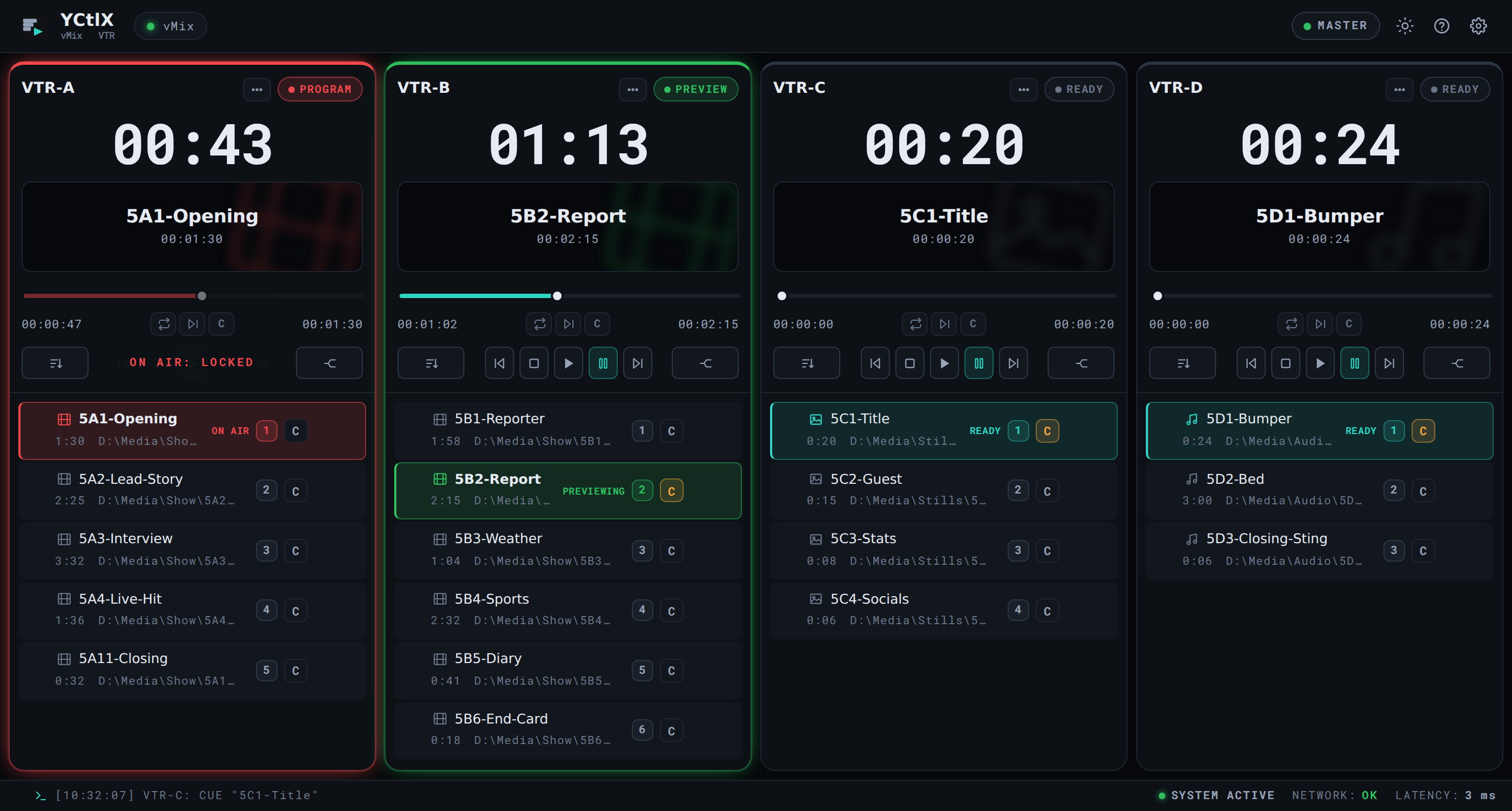
YCtlX, also known as vMix VTR, drives vMix List inputs like VTRs: one deck per list, cue the next clip, roll it, pause it, real tally, and a big countdown on whatever is on air.
Windows 10 and 11, macOS 10.15 or newer. Runs with no internet and no server.
- Live tally
- Up to 6 decks
- M3U in and out
- No internet
What it does
Everything you need to roll a VTR block.
-
One deck per list
Up to six decks side by side, each with its own transport, clock and playlist. The whole rack at a glance.
-
Countdown you can read across the room
Time remaining on the loaded clip, in big figures. Amber at 15 seconds, red at 10.
-
Real vMix tally
Red Program, green Preview, amber cued. Read from the mixer’s real state, not from what the app assumes.
-
Cue, roll and pause
The clip you pick sits loaded and stopped at 0:00, ready to roll. A C button per row, and coming off air the last clip re-cues itself.
-
Video, stills and audio
A vMix List carries stills and audio beds, not just video. All three go in, and each row shows what it is dealing with.
-
Pull and push against vMix
Detects the List inputs already in vMix, pulls them in as decks and pushes your order back out.
-
On-air lock
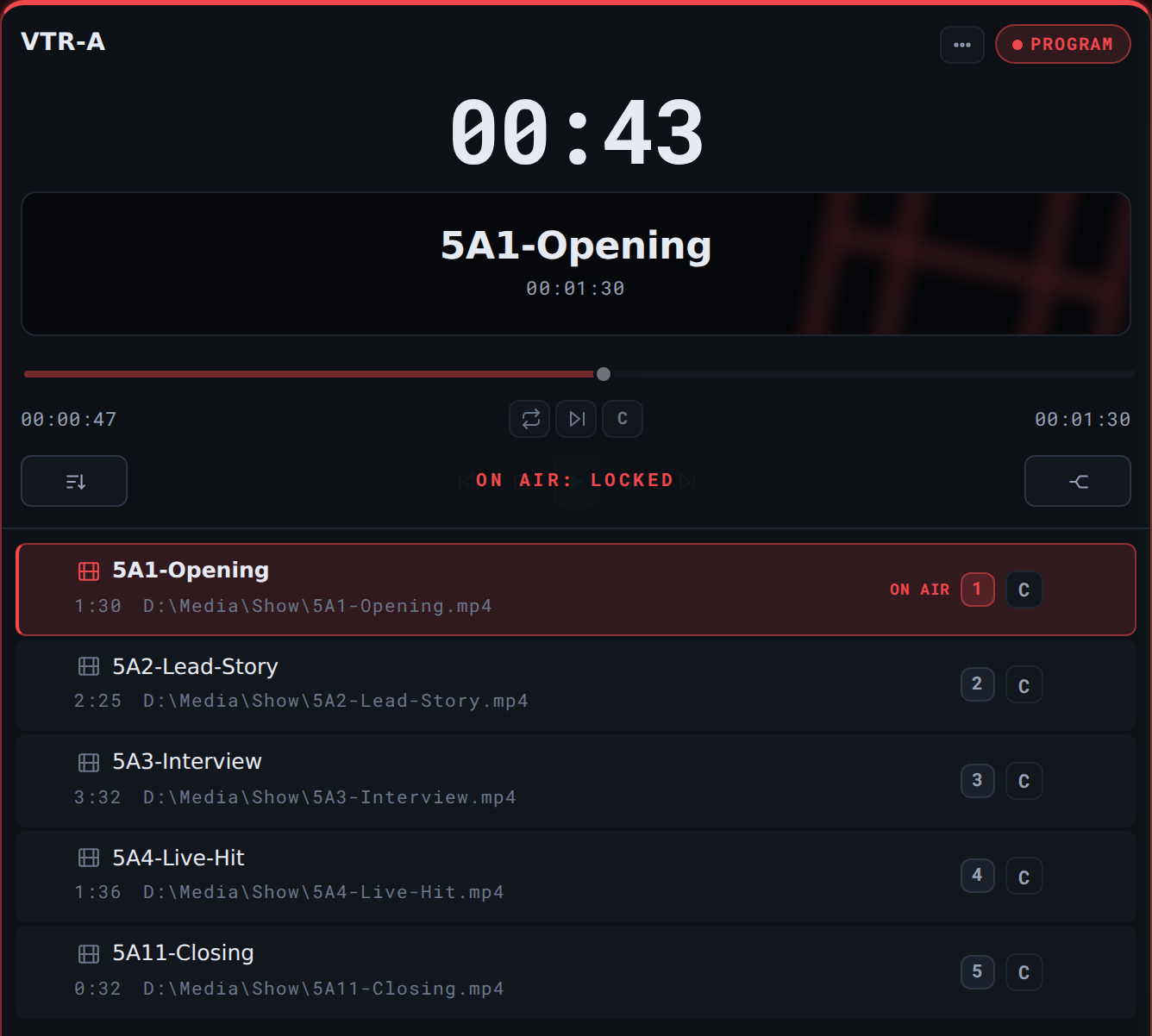
With the deck on Program the transport locks and reorders wait until it is off air. An empty List means black on output, and that will not happen by accident.
-
Order by rundown code
Names like
5A1-sort the way the rundown reads: show 5, segment A, story 1. Or drag them by hand. -
M3U in and out
Compatible with the vMix List input. What you build today loads again tomorrow, with or without the app.
-
Your setup travels
Export one file with the decks, their order and the vMix address, and the new PC comes up exactly like the old one.
-
No internet, no server
The app runs on its own on the control room PC. It fetches nothing while it runs and there is no service to keep alive.
What YCtlX is not
Better said on day one, so nobody installs it expecting something else.
-
It does not play video
vMix plays. YCtlX is the remote: nothing on this screen is the signal.
-
No thumbnails, no preview
The vMix API does not offer them. Rather than fake it, they are simply not there.
-
It does not mix audio
No faders, no program mute. That belongs to the switcher.
-
It puts nothing on air by itself
Taking an input to Program stays the switcher operator’s call.
How it works
Three steps, once.
-
01
Connect
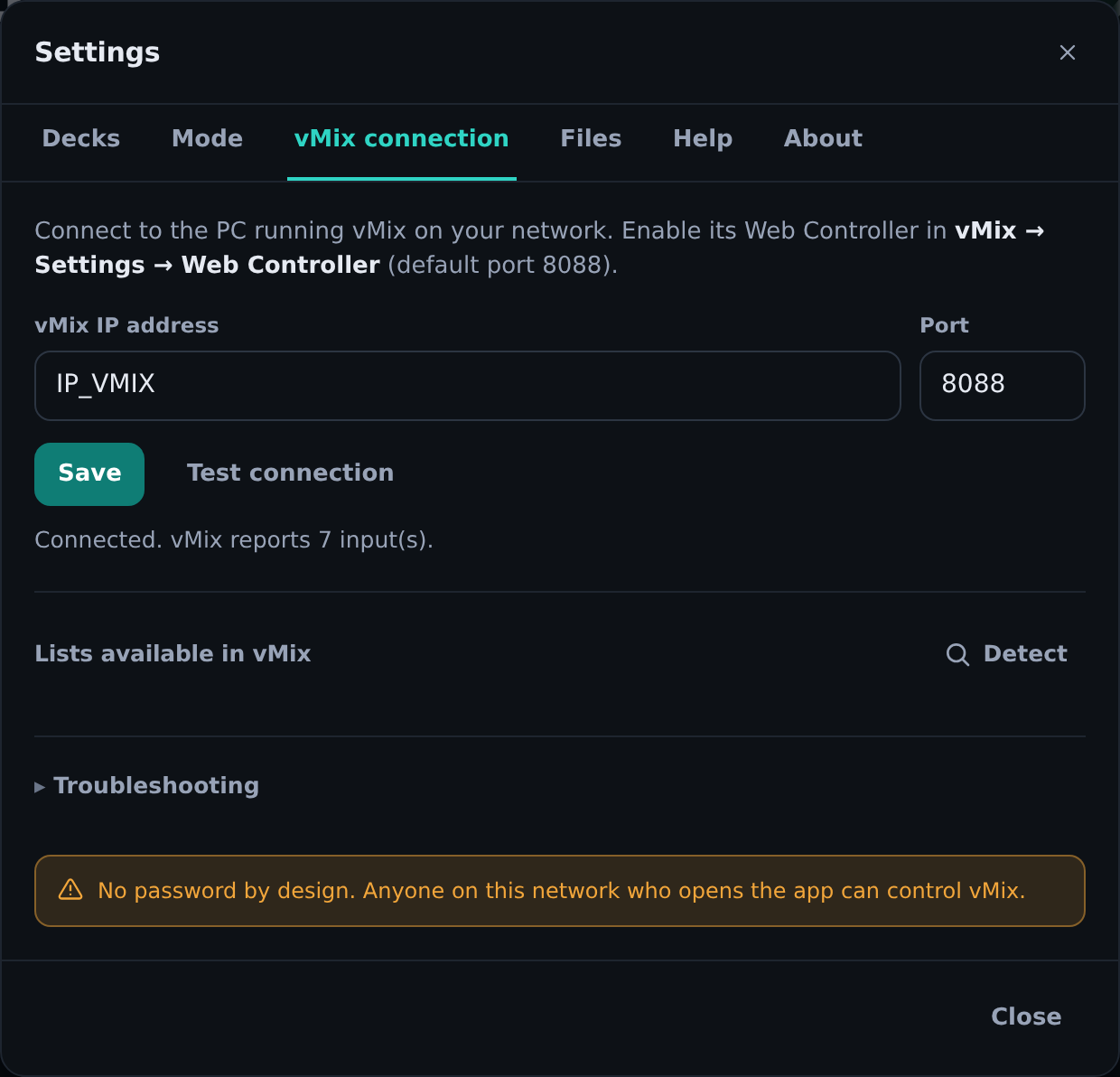
Turn on the vMix Web Controller (Settings, port 8088 by default) and give YCtlX that machine’s IP. It saves, and you never touch it again.
-
02
Build the block
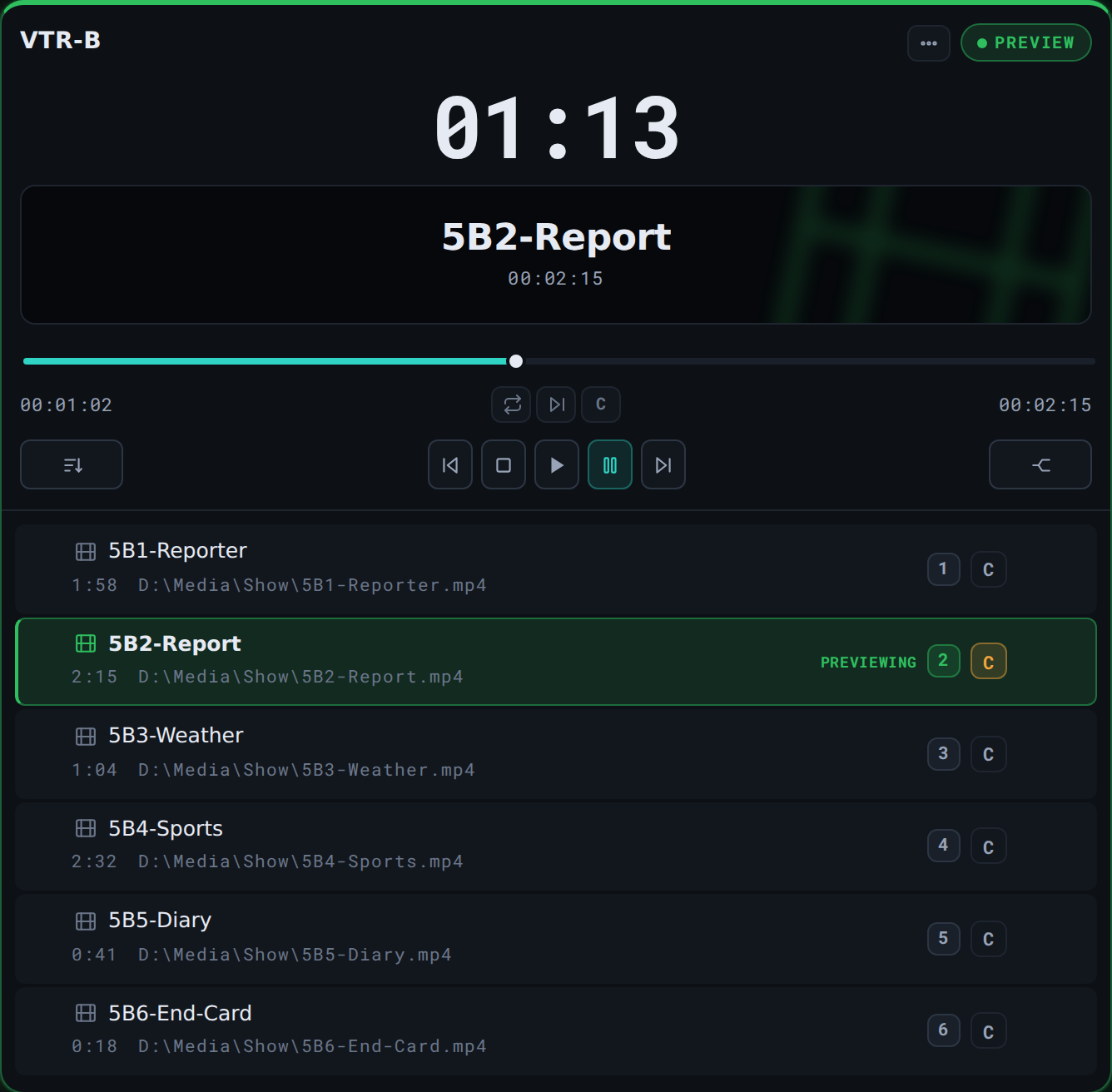
Drop the files onto a deck, video, stills or audio, or pull in a List that already exists in vMix. Sort by hand or by rundown code, then push it.
-
03
Roll it
Cue the next one, roll it on the word, and the big clock says how much is left. Red tally means that is what the audience sees.


Screens
Real screenshots, nothing staged.
Tap any of them to see it full size.
Where it runs
Where the block has to hit its time.
If someone is rolling clips off a vMix List input, this is the job YCtlX came to do.
-
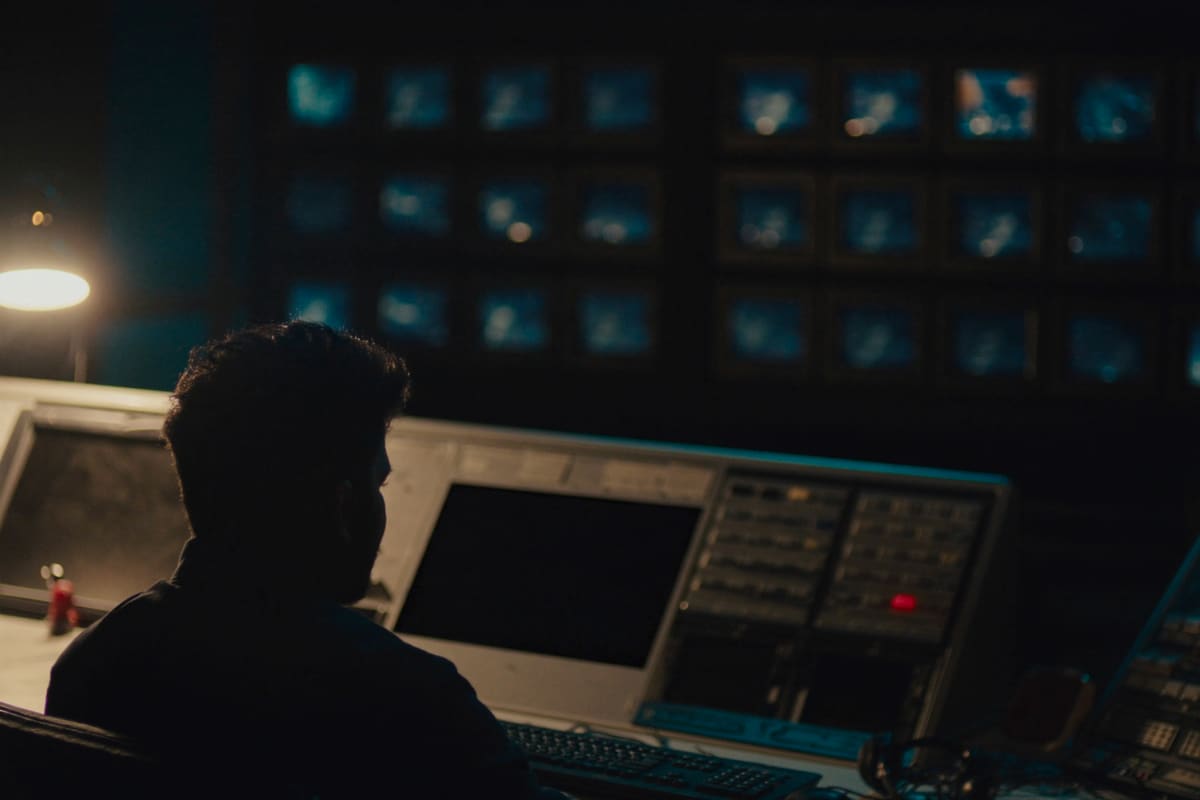
Newsrooms
Stories that land a minute before air and an order that changes live. Rundown codes sort themselves and the on-air lock keeps output off black.
-
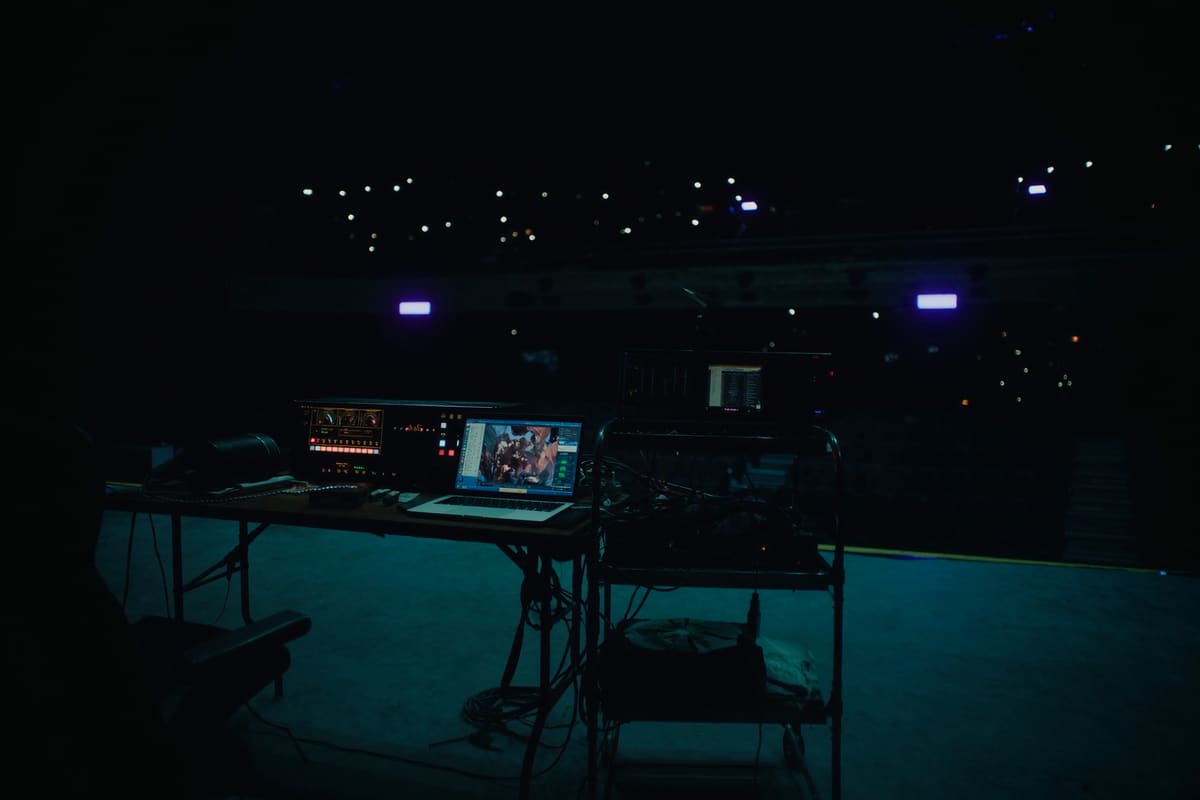
Live events
A laptop at the back of the room and no margin to go hunting for a file. The block is built before the doors open.
-
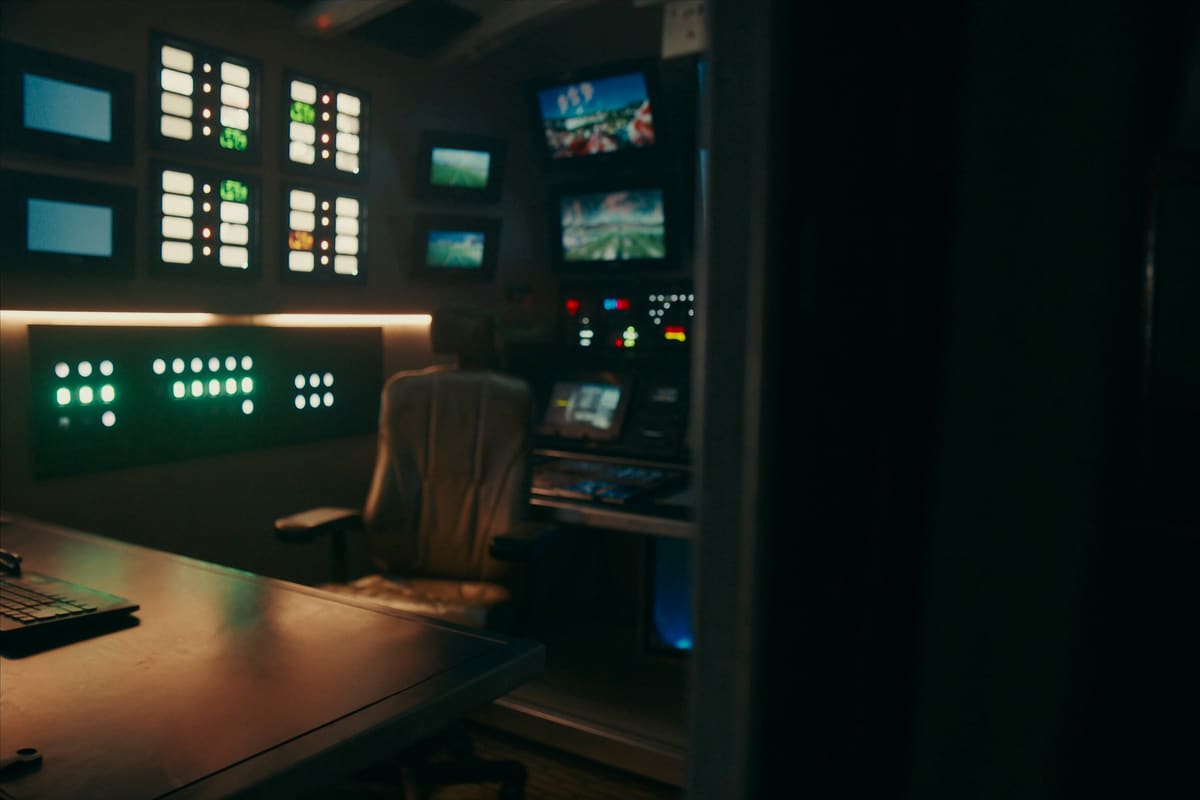
Sports and OB
Several lists at once: replays, stills, breaks. One deck each, all on the same screen.


The three images above are generated ambience, not photographs of real installs. The app screenshots, those are the real thing.
Requirements
What you need, and what you do not.
You need
- Windows 10 or 11 with permission to install, or macOS 10.15 or newer (Apple Silicon and Intel).
- vMix with the Web Controller on (Settings, Web Controller, port 8088 by default).
- Network access to the vMix machine, with that port open on its firewall.
You do not need
- Internet to operate. Once installed and licensed, the whole app works with no route to the outside.
- A server. Nothing running anywhere, other than vMix itself.
- A username and password. There is no login: the licence activates with a key, once per seat.
- A powerful PC. It decodes no video: it draws an interface and talks to vMix. Since 2.24 it uses the browser the system already ships, so the installer is a fraction of the old one.
Licensing
Licensed per seat, per year.
A seat is one PC with YCtlX installed. The subscription includes whatever updates ship during the year.
The store opens shortly.
YCtlX is sold as an annual per seat subscription. Prices, the version being shipped and the operator manual go up on this page the day checkout opens.
- Annual subscription, with whatever updates ship during the year
- Multi seat packs, to spread across the control room machines
- A seat is one PC with YCtlX installed, not a named user
One email is enough: we write back the day it goes on sale.
One Windows installer (.exe) and two for macOS, Apple Silicon and Intel (.dmg)
FAQ
What everyone asks.
How you buy it and how it arrives
- Payment is by card through an encrypted checkout. Card details are never stored on this site.
- The installer and the licence key are available to download as soon as payment clears. Nothing to ship, nothing to wait for.
- A pack of seats spreads across whichever PCs you want: they are seats, not named users.
- The invoice is issued right away, with VAT or local tax depending on the country.
Are YCtlX and vMix VTR the same thing?
Yes. vMix VTR is what people call it for what it does, and YCtlX is the product name. It is one single program with one licence: vmixvtr.com and yctlx.com open this same page.
Does it replace vMix?
No. vMix still plays and still mixes. YCtlX only drives its List inputs, the way a VTR remote does.
Which vMix version do I need?
Any version with the Web Controller, which is the HTTP API vMix has shipped for years. Nothing here is exclusive to the expensive editions.
Can I reorder the list while it is on air?
You can reorder it, but the push to vMix waits. The reason is technical and has no way around it: the vMix API has no reorder function, so the List has to be emptied and refilled, and the instant it sits empty the output goes black on air. YCtlX keeps the new order and applies it by itself the moment the deck leaves Program.
Why are some durations missing?
vMix only reports the duration of the selected clip. The app reads them from disk where it can and fills in the rest as clips get used. With ffprobe on the PATH it also resolves ProRes and MXF.
Does it phone home?
There is no telemetry and no user account, and while operating it makes no outside calls. The only thing that reaches the internet is the licence activation, and after that the app works on a PC with no route out.
What exactly is a seat?
One seat is one PC with YCtlX installed. A pack of 2 is two machines, not two people: if three different shifts sit at that PC, it is still one seat.
What happens if I do not renew?
The subscription is annual and the seats stop being active when it lapses. You get an email notice before that happens, and the renewal can be cancelled whenever you want.
Can I move a seat to another PC?
Yes. A seat is released from one machine and activated on another, which is what happens when the control room PC gets replaced. On top of that, Export configuration carries the decks, their order and the vMix address across, so there is no rack to rebuild.
How many decks can I have?
Up to six at once in the rack, each linked to a different vMix List input. The ones you build by hand and the ones you pull from vMix count the same.
Can I try it before buying?
There is no trial build to download yet. The complete operator manual, with the real screens, goes up here together with the store: enough to tell whether it does what you need before spending anything. In the meantime, the screens on this page are real captures of the app, untouched.